Fast position entry
Use the keyboard to place open strings and numbered positions while the cursor tracks the next rhythmic location.
 ShamiTab
ShamiTab combines shamisen-first notation entry, rhythm rendering, playback, import, layout, teaching tools, and print-ready output in one browser-based studio.
Notation
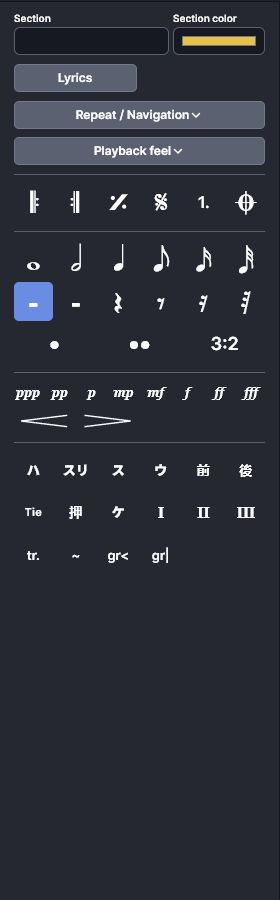
ShamiTab is built around three-string shamisen tablature instead of adapting a guitar workflow. Enter position numbers directly, move by string and rhythmic slot, add rests, and shape the phrase with dots, ties, grace notes, triplets, techniques, dynamics, and finger markers.
Use the keyboard to place open strings and numbered positions while the cursor tracks the next rhythmic location.
Choose durations, add dots or triplets, insert rests, and keep each bar organized around musical time.
Add shamisen techniques, dynamics, ties, grace notes, finger markers, and comments without leaving the score surface.
Rhythm rendering
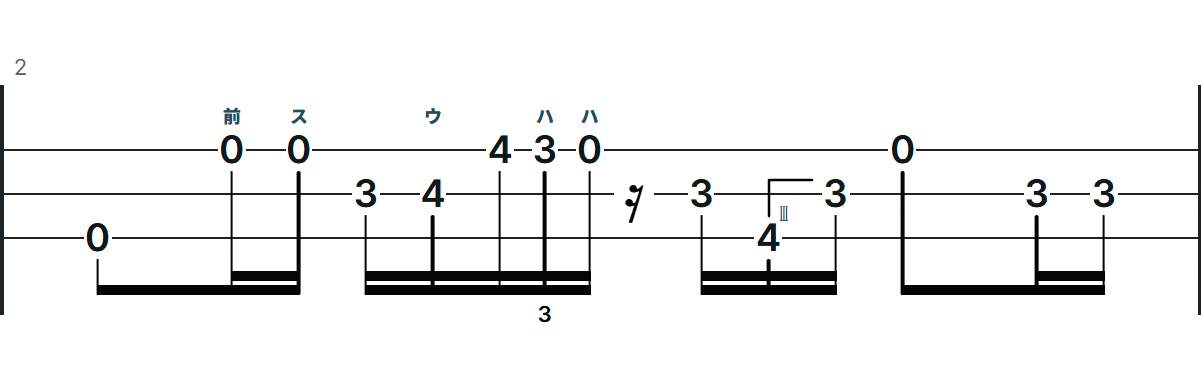
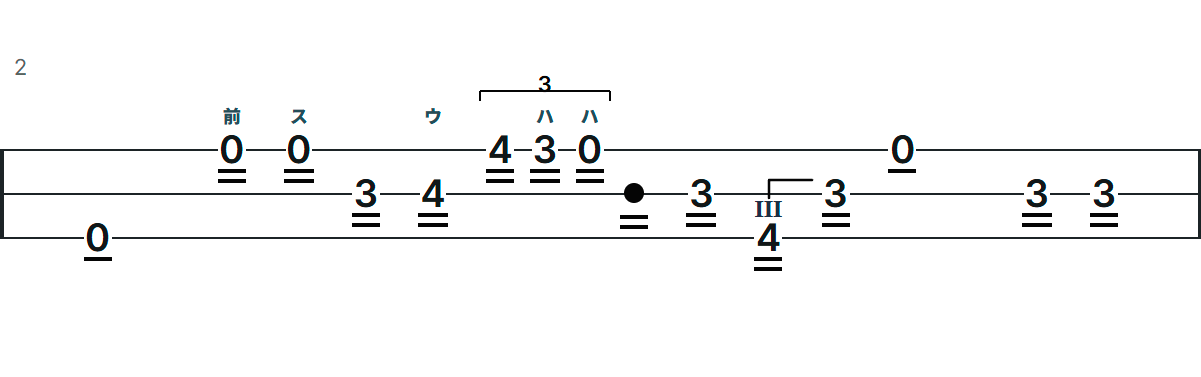
Pick the rhythm language that matches the score you are writing. Western Rhythm uses familiar stems and beams. Traditional Style uses shamisen-focused flags, rest dots, beat dashes, and marker placement for traditional tablature.
Workspace
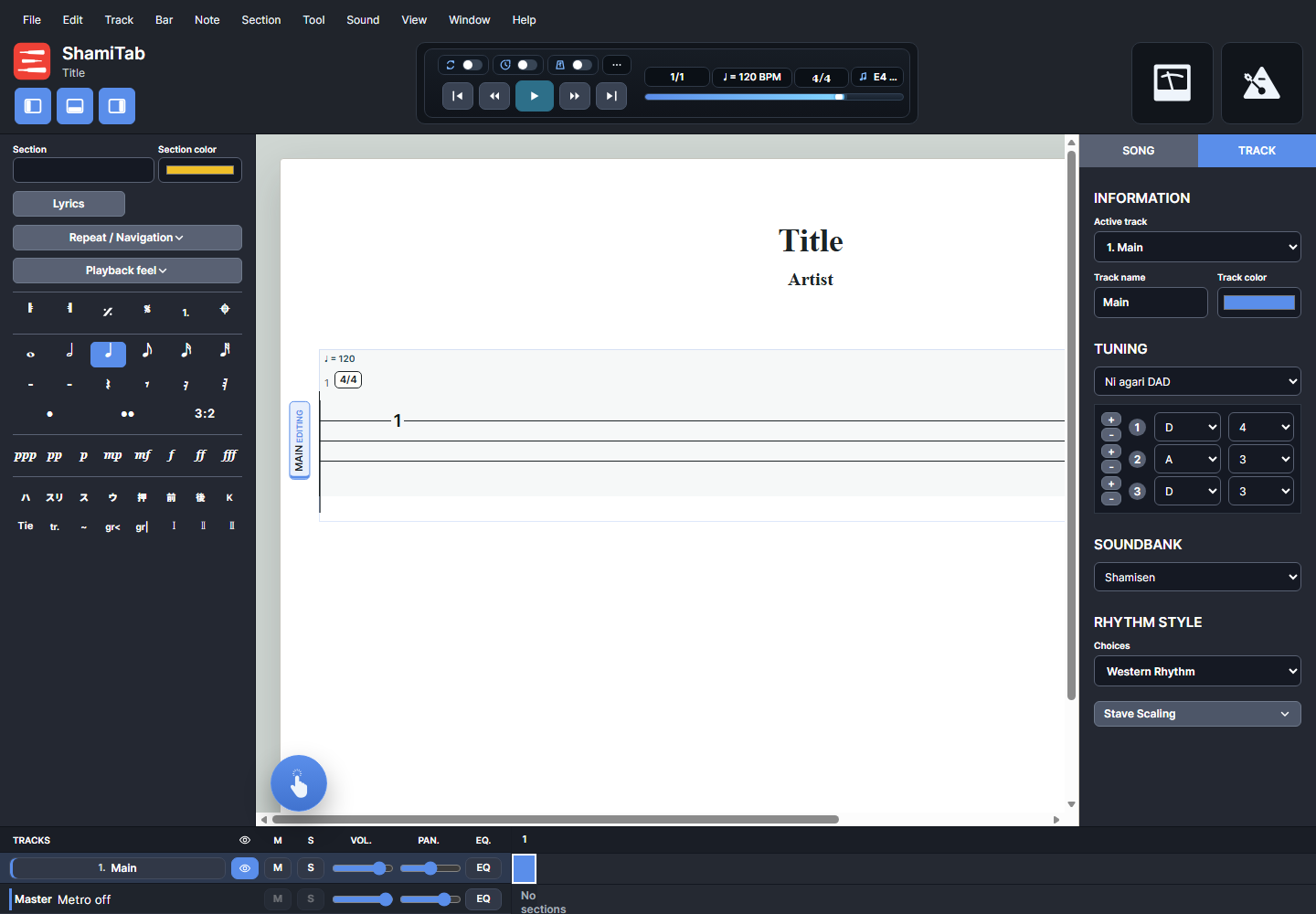
The editor keeps the score in the center and places the tools around it: transport controls above, notation and lyrics tools to the left, song and track settings to the right, and mixer/navigation controls below.
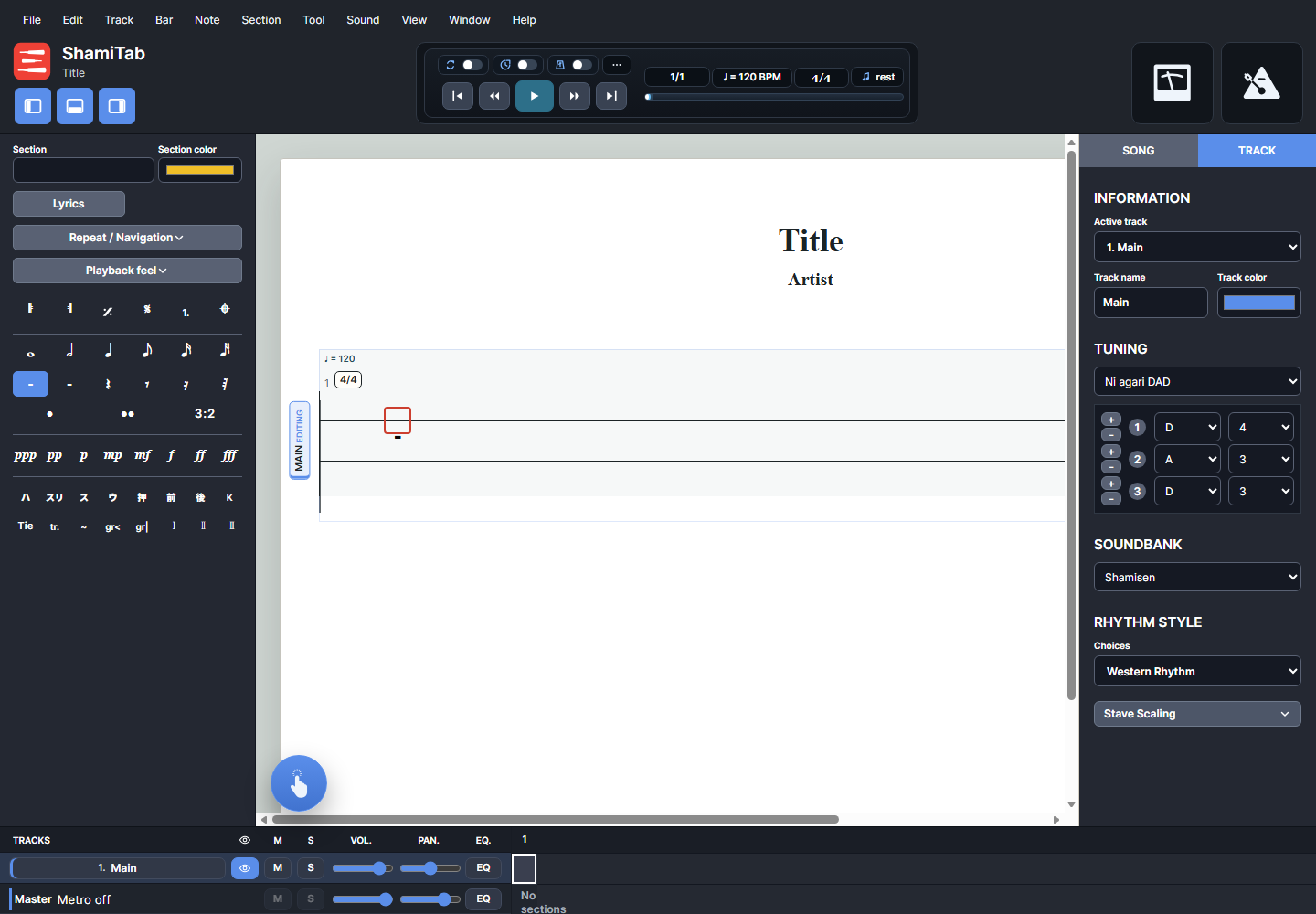

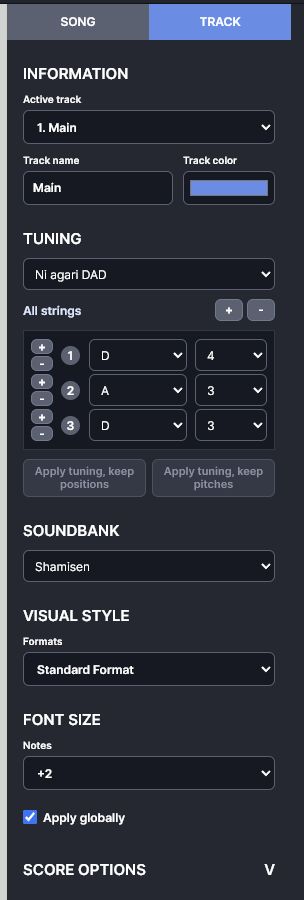

Switch between Continuous, Page, and Horizontal views depending on whether you are writing, checking layout, or moving through a long score.
Use single-track or stacked-track layouts, track names, colors, visibility, and active-track selection to manage arrangements.
Adjust zoom, line spacing, stave scaling, section markers, score headings, comments, and design-mode spacing controls.
Sound
Play from the start or cursor, stop, jump by bar, loop sections, use count-in, and toggle the playback metronome.
Choose track sounds, set master and metronome levels, and shape each track with volume, pan, mute, and solo controls.
Use shamisen tuning presets, custom string tuning, playback feel settings, and a guided microphone tuner for practice support.
Files
Start from a blank score or bring in existing material. ShamiTab imports Guitar Pro, MusicXML, MXL, and MIDI files, saves editable ShamiTab project files, and prepares page-ready browser print or PDF output.
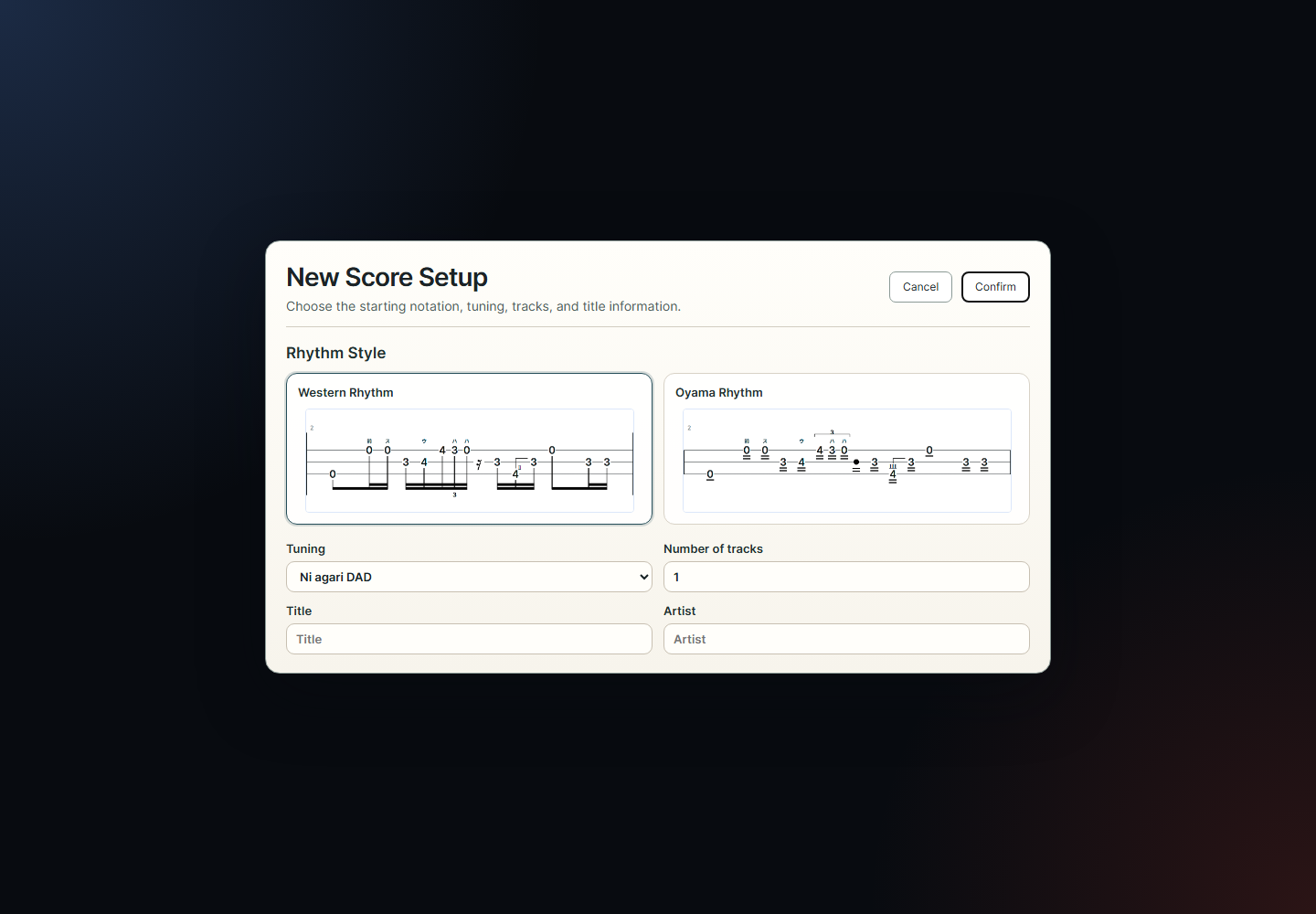
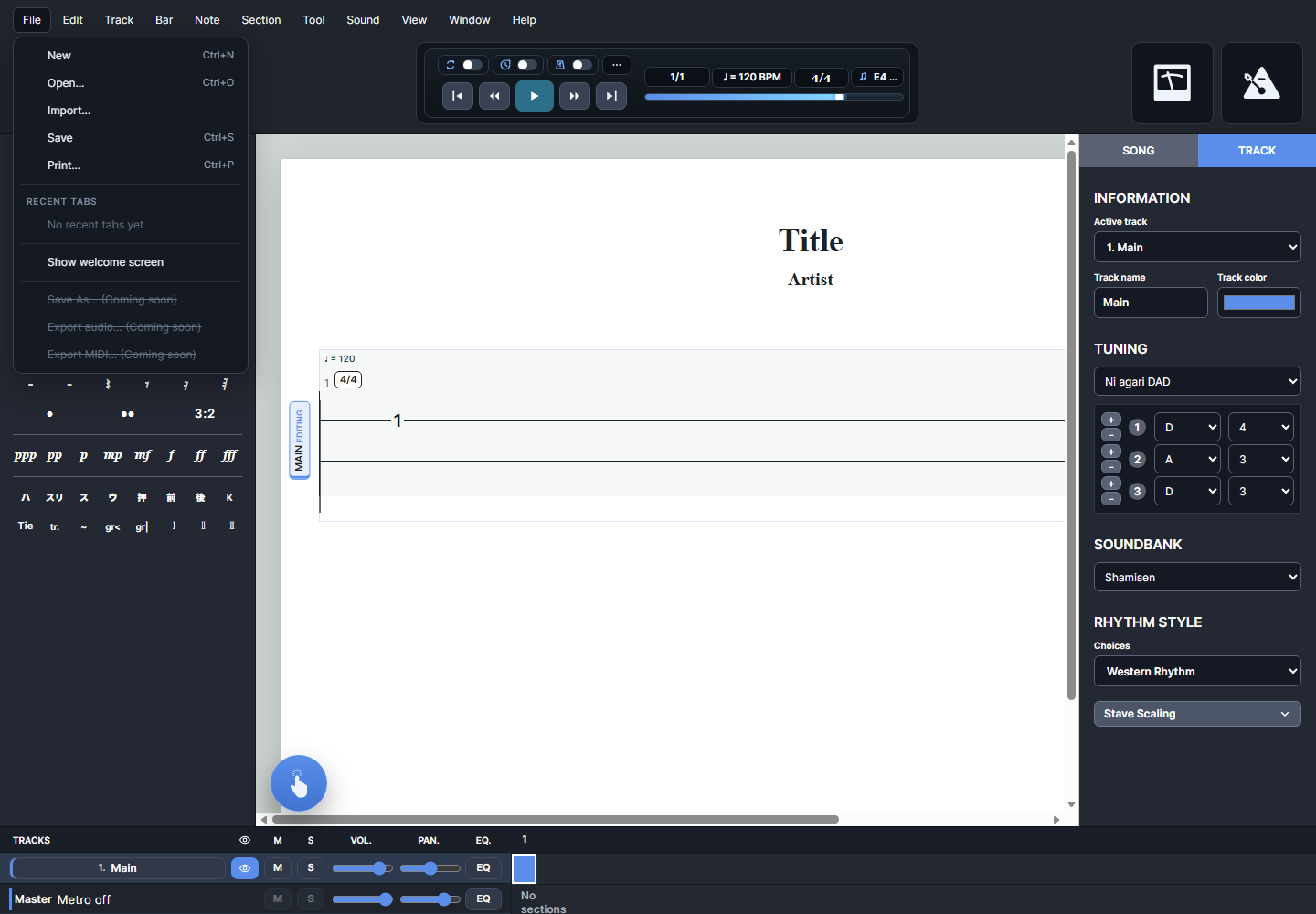
Bring in Guitar Pro, MusicXML, MXL, or MIDI and continue editing in a shared shamisen score model.
Save an editable ShamiTab project file so you can reopen the score later and keep working.
Use page view and browser print output to prepare clean paper copies or PDF files for sharing.
Teaching and arranging
Add lyrics by character or syllable and keep verse text aligned with the rhythmic positions in the score.
Place teaching notes or arrangement reminders above the staff, with optional pointer lines back to the note position.
Mark sections, repeats, similes, alternate endings, segno, coda, fine, tempo changes, and time signatures.
Track title, artist, subtitle, album, words, music, transcriber, notice, and instructions in the score heading data.
Add, duplicate, rename, color, hide, mute, solo, and balance tracks for ensemble or lesson material.
Use the public guide and in-app user guide to find commands, shortcuts, panels, and common score-building workflows.
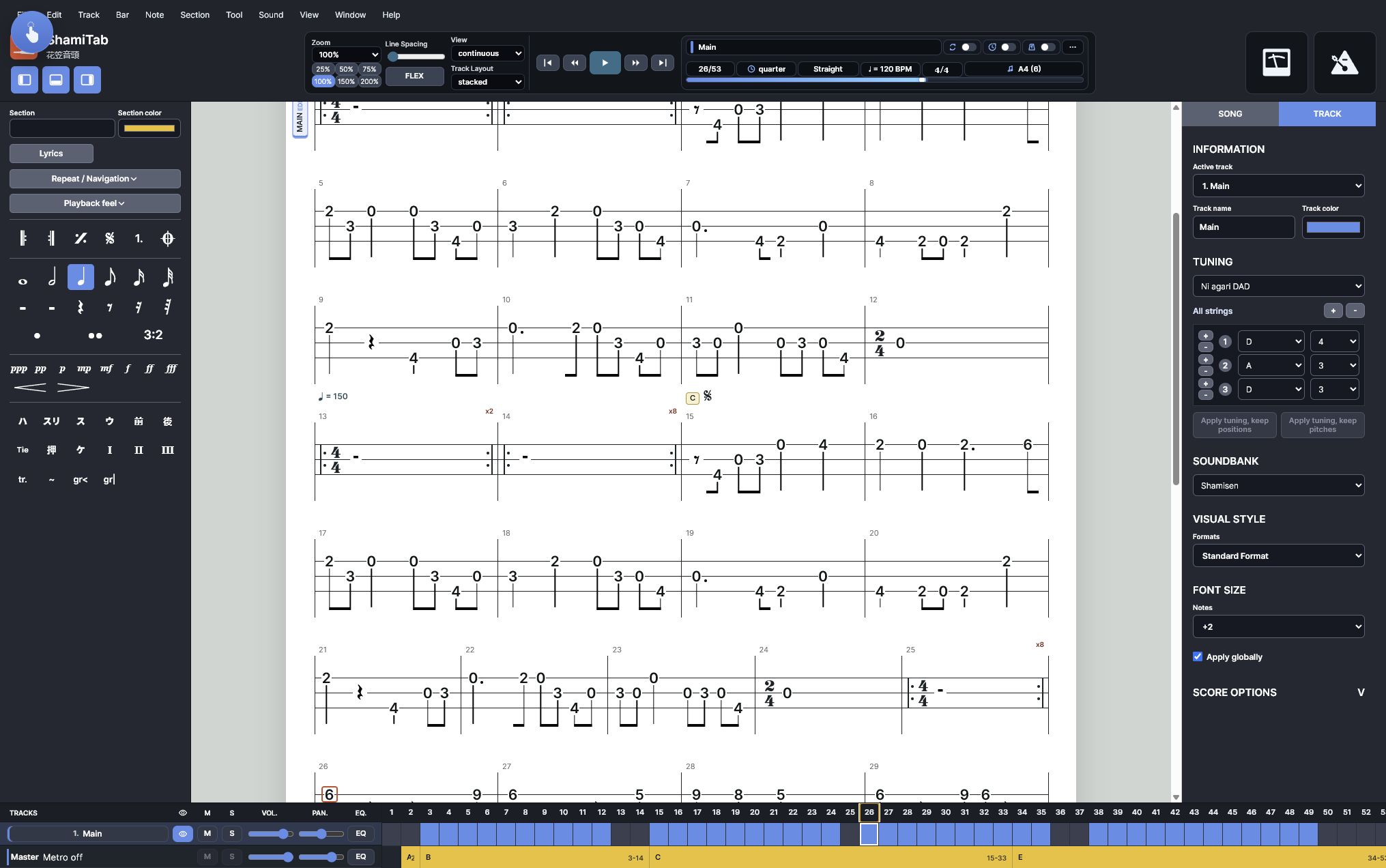
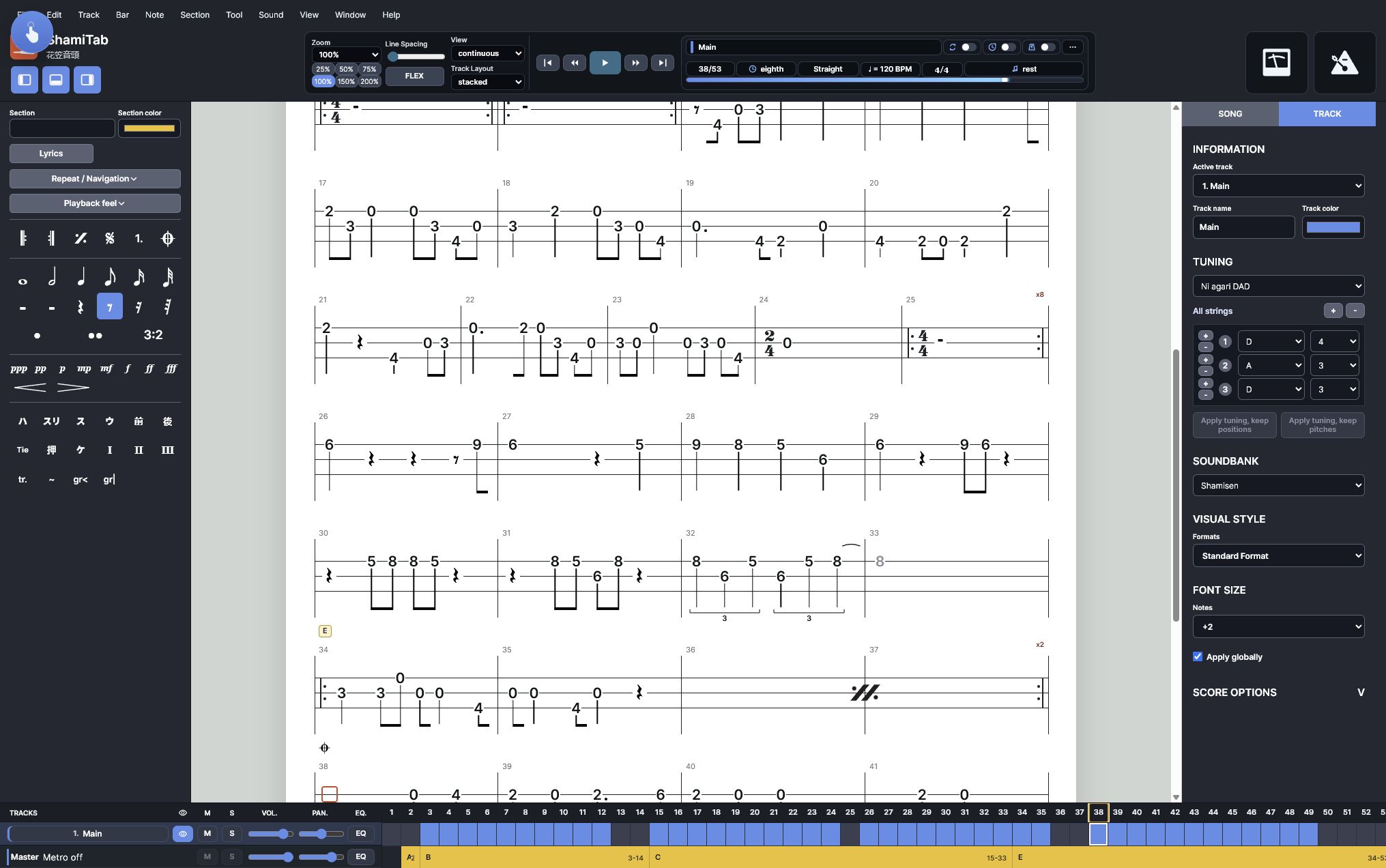
Positions, strings, rests, durations, dots, ties, triplets, grace notes, finger markers, techniques, and dynamics.
Western Rhythm, Traditional Style, rest rendering, tuplets, beat dashes, flags, stems, beams, and marker placement.
Cursor navigation, selection, undo/redo, copy/paste, measure tools, layout controls, and score headings.
Tempo, meter, play/stop, loop, count-in, metronome, playback feel, soundbank, mixer, mute, solo, volume, and pan.
New scores, project open/save, Guitar Pro import, MusicXML import, MXL import, MIDI import, print, and PDF output.
Lyrics, comments, section labels, repeats, navigation symbols, song metadata, tuning presets, and custom tuning.